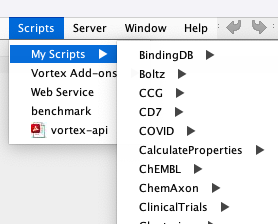
At least on a Mac the default place to store Vortex scripts is in the vortex folder ~/vortex/scripts
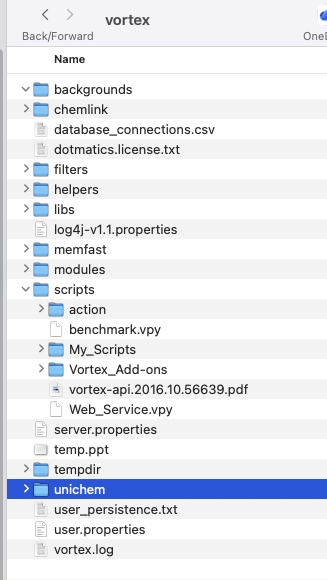
Any folder/scripts you put in the vortex/scripts folder are used to automatically populate the scripts menu in Vortex as shown below.
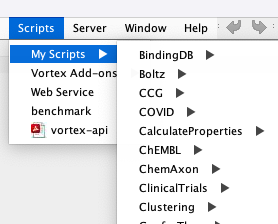
There may be times when you perhaps want to store the scripts in a folder outside this file system, perhaps with a particular dataset or project folder. On a Mac you can create an alias to a file or folder, however when I moved the alias to the Vortex scripts folder it was not recognised and did not appear in the scripts menu
An alias on a Mac is a shortcut or link to an original file, folder, or app, allowing you to access it from multiple locations (like the Desktop or Dock) without duplicating the item.
However macOS is a Unix system under the hood so it is also possible create a symlink.
A symbolic link (symlink or soft link) is a special file acting as a pointer to another file or directory. It enables accessing files at different locations without copying them, supporting cross-filesystem links. https://en.wikipedia.org/wiki/Symbolic_link
The terminal command is shown below, you will need to edit the paths for your system.
|
1 |
ln -s /Users/username/Desktop/CDK7 /Users/username/vortex/scripts/My_Scripts/CD7 |
Now when open the scripts menu, the required folder is available.